
How to Start Blogging for Beginners: A Complete Step-by-Step Guide
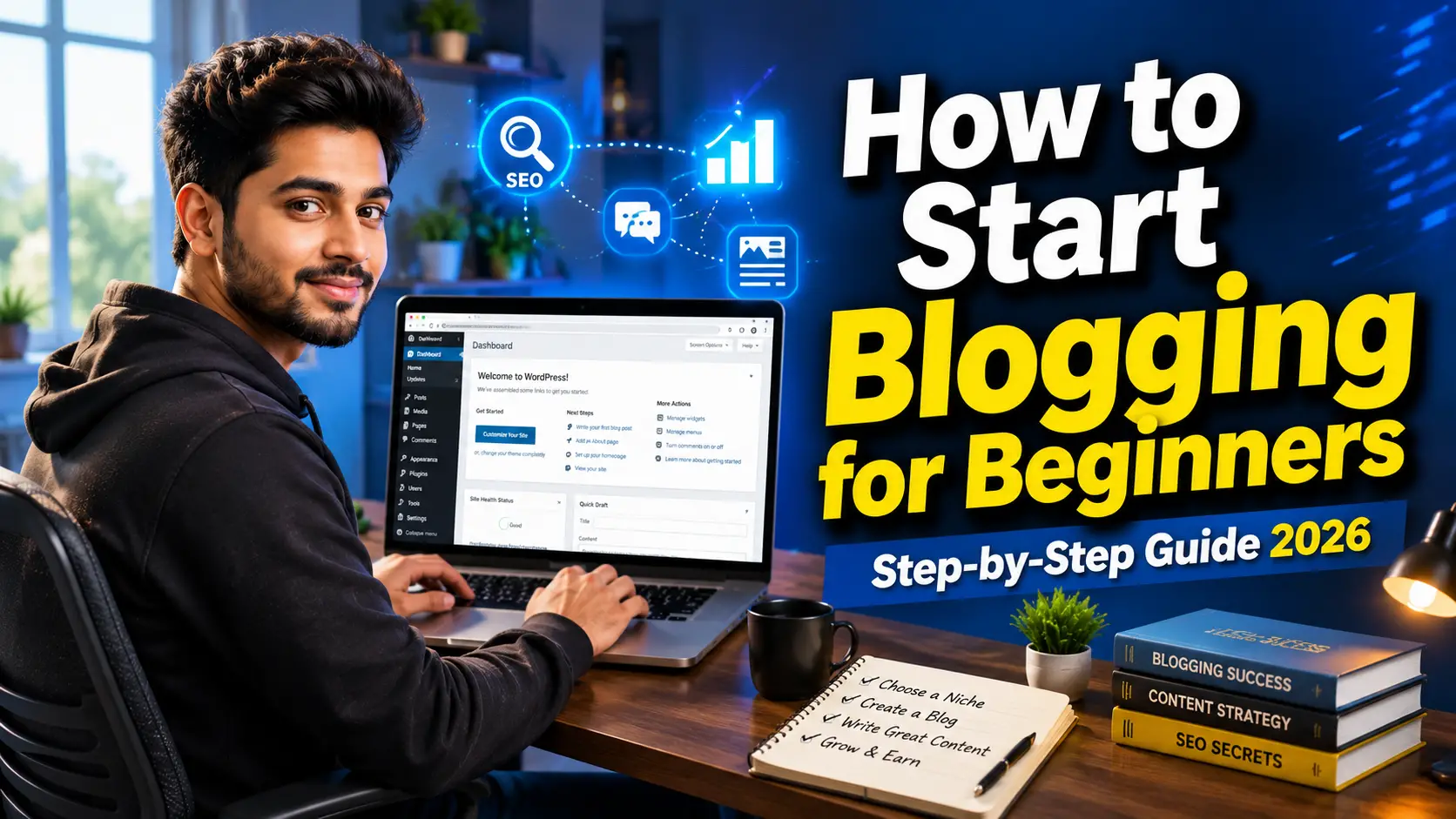
Table of Contents
- What Is Blogging?
- Why Blogging Is Still Worth Starting in 2026
- How to Start Blogging for Beginners
- Choose the Right Blogging Niche
- Pick a Memorable Blog Name
- Buy a Domain Name and Hosting
- Install WordPress
- Frequently Asked Questions
How to Start Blogging for Beginners
Everyone Starts Somewhere
A few years ago, one of my friends wanted to earn money online. Like many beginners, he watched dozens of YouTube videos, read countless articles, and believed blogging would start generating income within a few weeks.
He purchased a domain, published three articles, and waited.
Nothing happened.
After two months, he stopped updating the website because he thought blogging no longer worked.
The truth was different.
His blog didn’t fail because blogging was dead. It failed because he skipped the basics that every successful blogger learns before publishing the first post.
If you’re reading this guide, you’re already taking the right first step.
Whether you want to build a personal brand, share your knowledge, create a side income, or grow a full-time online business, learning how to start blogging for beginners the right way can save you months of frustration.
The internet is filled with millions of blogs, but that doesn’t mean there’s no room for yours. Readers are always looking for helpful, trustworthy, and easy-to-understand content. If your articles genuinely solve problems, people will keep coming back.
This guide explains every step in simple English. You don’t need coding skills, web development experience, or a large budget to get started.
What Is Blogging?
Blogging is the process of publishing useful content on a website to educate, inform, inspire, or help readers solve specific problems.
A blog usually contains articles organized into categories, making it easy for visitors to find information.
For example:
- A technology blog shares software reviews, AI guides, and gadget news.
- A finance blog explains loans, investments, and banking topics.
- A travel blog helps readers plan trips and discover destinations.
- A food blog publishes recipes and cooking tips.
- A health blog provides fitness, nutrition, and wellness advice.
Unlike social media posts that disappear quickly, a well-written blog post can continue attracting readers through search engines for months or even years.
That’s one reason blogging remains one of the most reliable ways to build long-term online visibility.
Why Blogging Is Still Worth Starting in 2026
Some people believe blogging is no longer relevant because of social media, YouTube, and AI tools.
The reality is more balanced.
AI can help people brainstorm ideas or improve productivity, but readers still look for accurate, practical, and trustworthy information. Search engines continue to reward content that demonstrates experience and genuinely answers users’ questions.
A well-maintained blog can help you:
- Build authority in your niche.
- Share knowledge with a global audience.
- Generate organic traffic from search engines.
- Promote your products or services.
- Grow an email list.
- Create multiple income opportunities over time.
The key isn’t publishing hundreds of articles. It’s publishing articles that people actually find useful.
How to Start Blogging for Beginners
Starting a blog is much easier today than it was a decade ago.
Modern website builders, WordPress themes, and AI-powered writing assistants can speed up many tasks. However, these tools should support your work—not replace your knowledge or experience.
Here’s a simple roadmap.
Step 1: Choose a Blogging Niche
The biggest mistake many beginners make is writing about everything.
One day they publish a technology article.
The next day they write about cooking.
A week later, they post a travel guide.
This makes it difficult for readers—and search engines—to understand what the website is about.
Instead, choose one primary niche.
Some popular blogging niches include:
| Niche | Example Topics |
|---|---|
| Technology | AI tools, software reviews, smartphones |
| Finance | Loans, credit cards, investing, banking |
| Education | Online learning, study tips, careers |
| Health | Fitness, nutrition, wellness |
| Travel | Destination guides, travel planning |
| Business | Marketing, startups, entrepreneurship |
Choose a niche that matches both your interest and your willingness to keep learning. Blogging is much easier when you’re genuinely curious about the topic.
How to Choose the Right Niche
Before registering a domain name, ask yourself these questions:
- Can I write about this topic consistently for the next two years?
- Are people searching for information on this subject?
- Can I provide unique insights or practical advice?
- Does the niche have long-term potential?
If the answer is yes, you’ve found a strong starting point.
Step 2: Choose a Blog Name
Your blog name is often the first thing visitors notice.
A good blog name should be:
- Easy to remember.
- Easy to pronounce.
- Short and simple.
- Relevant to your niche.
- Suitable for long-term growth.
For example, a technology blog might use a name related to innovation or digital solutions, while a travel blog could reflect exploration and adventure.
Avoid using numbers, unnecessary symbols, or words that are difficult to spell.
Step 3: Buy a Domain Name
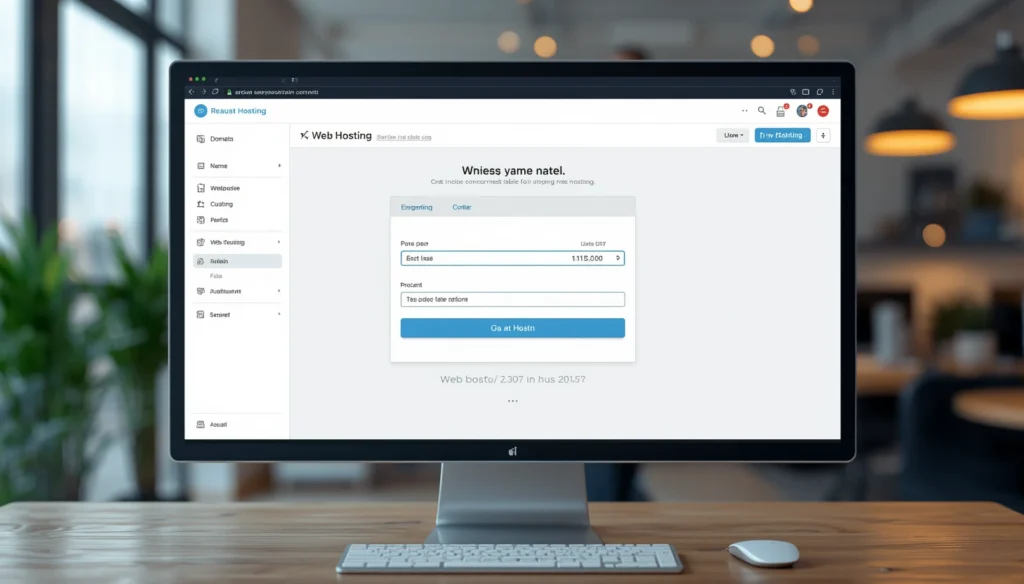
Think of your domain name as your website’s address.
Examples include:
- yourblog.com
- techwebsite.com
- travelguide.com
Whenever possible, choose a .com domain because it’s widely recognized and easy for users to remember.
When selecting a domain:
- Keep it under 15 characters if possible.
- Avoid hyphens.
- Avoid trademarked names.
- Make it easy to type on mobile devices.
Step 4: Choose Reliable Web Hosting
Your hosting provider stores your website’s files and makes them accessible to visitors around the world.
A reliable hosting company should offer:
🚀 Start Your Blog Today & Save 20%!
Ready to launch your website? Get fast hosting, a free domain on eligible plans, and beginner-friendly WordPress setup with Hostinger.
🎁 Use the link below to claim up to 20% OFF on eligible plans and start your blogging journey today.
👉 Claim Your Discount Now Hostinger
- Fast loading speeds.
- High uptime.
- Free SSL certificate.
- Daily backups.
- Strong security.
- Responsive customer support.
- One-click WordPress installation.
While free hosting may sound attractive, it often comes with slower performance and limited features. For a serious blog, investing in quality hosting is usually a better long-term decision.
Step 5: Install WordPress

If you’re wondering which platform to use, WordPress remains one of the most popular choices for bloggers.
It offers:
- Thousands of customizable themes.
- A large library of plugins.
- SEO-friendly structure.
- Easy content management.
- Flexibility for future growth.
Most hosting providers allow you to install WordPress with just a few clicks, making it beginner-friendly even if you’ve never built a website before.
Quick Checklist Before Publishing Your First Blog
Before writing your first article, make sure you’ve completed these essentials:
- ✔ Selected a clear niche.
- ✔ Registered a memorable domain.
- ✔ Purchased reliable hosting.
- ✔ Installed WordPress.
- ✔ Chosen a responsive theme.
- ✔ Enabled HTTPS with an SSL certificate.
Getting these fundamentals right creates a strong foundation for everything you’ll publish in the future.
Step 6: Choose a Fast and Mobile-Friendly WordPress Theme
Once WordPress is installed, your next decision is selecting a theme.
Think of a theme as the design and layout of your blog. It controls how your website looks, how visitors navigate it, and even how quickly pages load.
Many beginners choose a theme based only on appearance. That’s understandable, but speed and usability matter just as much.
A good blogging theme should be:
- Mobile responsive
- Lightweight and fast
- SEO-friendly
- Regularly updated
- Easy to customize
- Compatible with popular plugins
If your website takes too long to load, many visitors will leave before reading a single paragraph. A clean, lightweight theme usually delivers a better experience than one filled with unnecessary animations and features.
Step 7: Install Essential WordPress Plugins
WordPress plugins add extra functionality to your website without requiring coding knowledge.
The goal isn’t to install dozens of plugins. Instead, focus on the ones that improve security, performance, and SEO.
Here are some commonly used plugin categories:
| Purpose | Example |
|---|---|
| SEO | Rank Math SEO |
| Security | Wordfence Security |
| Cache & Speed | LiteSpeed Cache |
| Backups | UpdraftPlus |
| Contact Form | Contact Form 7 |
| Image Optimization | Smush |
| Code Snippets | WPCode |
Install only the plugins you genuinely need. Too many plugins can slow down your website and create compatibility issues.
Step 8: Create the Essential Pages Every Blog Needs
Before publishing your first article, create a few important pages.
These pages help visitors understand who you are and also demonstrate transparency, which is important for user trust.
Your blog should include:
- Home
- About Us
- Contact Us
- Privacy Policy
- Terms and Conditions
- Disclaimer
If you plan to apply for Google AdSense in the future, having these pages already published is a good practice.
Step 9: Write Your First Blog Post

This is the stage most new bloggers look forward to.
Instead of trying to write the perfect article, focus on creating content that genuinely helps someone solve a problem.
Ask yourself:
What question is my reader trying to answer?
Then build your article around that question.
For example, if your blog is about technology, topics could include:
- Best AI Tools for Students
- How to Create a Website
- Canva AI Tutorial
- ChatGPT Tips
- Best Free Productivity Apps
Every article should provide clear, practical information rather than simply repeating what readers can find elsewhere.
Follow a Simple Article Structure
A well-organized article is easier to read and easier for search engines to understand.
A practical structure looks like this:
- Clear introduction
- Explain the problem
- Step-by-step solution
- Helpful examples
- Practical tips
- Frequently Asked Questions
- Conclusion
This structure keeps readers engaged and encourages them to spend more time on your website.
Step 10: Learn Basic SEO Before Publishing
SEO (Search Engine Optimization) helps search engines understand your content so it can appear in relevant search results.
The good news is that beginner-friendly SEO doesn’t have to be complicated.
Focus on these basics:
Use One Primary Keyword
Choose one keyword for each article.
For this article, the primary keyword is:
How to Start Blogging for Beginners
Use it naturally in:
- Title
- First paragraph
- One or two headings
- Meta description
- Conclusion
Avoid repeating the keyword unnaturally.
Write Helpful Headings
Instead of generic headings like:
“Chapter 1”
Use descriptive headings such as:
- How to Choose a Blogging Niche
- Best WordPress Plugins for Beginners
- How to Write Your First Blog Post
Clear headings improve readability for both users and search engines.
Add Internal Links
As your website grows, connect related articles together.
For example:
If someone reads an article about blogging, you might also recommend:
- WordPress SEO Guide
- Best Hosting for Beginners
- How to Write SEO-Friendly Blog Posts
Internal links help visitors discover more content and improve website navigation.
Add External Links Carefully
Link to trusted sources whenever they genuinely help readers.
Examples include:
- Google Search Central
- WordPress.org
- Google Analytics Help
- Google AdSense Help
Quality external references can improve the credibility of informational content.
Step 11: Add Images That Improve Understanding
Images make articles easier to follow, especially when explaining technical topics.
Instead of adding random stock photos, use visuals that support the content.
Useful image ideas include:
- WordPress Dashboard
- Installing a Theme
- Publishing a Blog Post
- SEO Plugin Settings
- Google Search Console Dashboard
Always optimize images before uploading them.
Use:
- Descriptive filenames
- ALT text
- Compressed image sizes
- Modern formats like WebP where possible
These small improvements contribute to better accessibility and page performance.
Step 12: Publish Your Blog With Confidence
Many beginners delay publishing because they think everything has to be perfect.
The reality is different.
Every successful blogger improves over time.
Once you’ve checked your article for spelling, formatting, and readability, publish it.
After publishing:
- Read comments from visitors.
- Update articles when information changes.
- Improve older posts based on new insights.
- Continue learning from your audience.
Consistency matters far more than perfection.
A blog that publishes one useful article every week is more likely to grow than one that publishes ten articles and then stops completely.
Beginner Blogging Checklist
Before moving on, here’s a quick checklist:
- ✅ Choose a niche.
- ✅ Buy a domain name.
- ✅ Select reliable hosting.
- ✅ Install WordPress.
- ✅ Choose a fast theme.
- ✅ Install essential plugins.
- ✅ Create important pages.
- ✅ Publish your first article.
- ✅ Learn basic SEO.
- ✅ Add useful images.
- ✅ Stay consistent.
These steps create a strong foundation for long-term blogging success.
Step 13: Promote Your Blog the Right Way
Publishing a blog post is only the beginning. If no one knows your content exists, it will take much longer to reach readers.
Promotion doesn’t mean spamming links everywhere. Instead, focus on sharing your content where it genuinely helps people.
Here are a few effective ways to promote a new blog:
Share on Social Media
Post your articles on platforms where your audience is active.
Examples include:
- X (Twitter)
- Instagram Threads
Rather than simply posting a link, explain why the article is useful and what readers will learn.
Answer Questions Online
People search for solutions every day on forums and communities.
If someone asks a question you’ve already answered in your blog, you can provide a helpful response and, where appropriate, link to your article for more details.
The goal is to help first—not just drive clicks.
Build an Email List
Many beginners overlook email marketing, but it’s one of the best ways to build a loyal audience.
Invite readers to subscribe so they can receive updates whenever you publish a new article.
Unlike social media algorithms, an email list gives you a direct way to stay connected with your audience.
Step 14: How to Make Money from Blogging
One of the most common questions beginners ask is:
Can You Really Make Money from Blogging?
Yes, many bloggers earn income from their websites. However, successful blogs are usually built over time through consistent effort and valuable content.
Common monetization methods include:
Google AdSense
Once your blog meets Google’s policies and receives quality traffic, you can apply for Google AdSense.
Approved websites display relevant ads, and publishers earn revenue when visitors view or interact with those ads.
Remember that approval depends on meeting Google’s requirements, including original content and a positive user experience.
Affiliate Marketing
With affiliate marketing, you recommend products or services that are relevant to your audience.
If someone purchases through your referral link, you may receive a commission.
This approach works best when you recommend products you’ve researched or genuinely believe are useful.
Sponsored Content
As your blog grows, brands may approach you to publish sponsored articles or product reviews.
Always disclose sponsored partnerships clearly so readers understand the nature of the content.
Sell Digital Products
Many bloggers eventually create their own products, such as:
- E-books
- Templates
- Online courses
- Checklists
- Digital planners
Digital products can become an additional income stream while providing value to your audience.
Offer Freelance Services
Your blog can also showcase your expertise.
For example, a blog about writing might help you attract freelance clients for content writing, while a technology blog could generate web development or consulting opportunities.
Common Blogging Mistakes Beginners Should Avoid
Every blogger makes mistakes in the beginning. The important thing is to learn from them early.
Choosing Too Many Topics
A blog that covers unrelated subjects often struggles to build a loyal audience.
Focus on one niche before expanding into related topics.
Publishing Without Keyword Research
Writing excellent content is important, but readers also need to be able to find it.
Simple keyword research helps you understand what people are searching for.
Ignoring SEO
SEO isn’t about tricking search engines.
It’s about making your content easy to understand through clear headings, descriptive titles, internal links, and helpful information.
Copying Other Websites
Copying content can damage your credibility and may violate copyright.
Always write in your own words and add your own insights or experiences.
Expecting Instant Results
Blogging is a long-term investment.
Some articles gain traffic within weeks, while others may take several months before they rank well in search results.
Patience and consistency are essential.
Frequently Asked Questions
How do I start blogging as a complete beginner?
Choose a niche, register a domain name, buy reliable hosting, install WordPress, create essential pages, and begin publishing helpful articles consistently.
Is blogging free to start?
You can use free blogging platforms, but if you want full control and a professional website, purchasing a domain name and hosting is generally recommended.
Do I need coding knowledge to start a blog?
No. Modern platforms like WordPress allow beginners to build and manage blogs without coding experience.
How often should I publish blog posts?
Quality matters more than quantity. Publishing one well-researched article each week is usually more effective than publishing many low-quality posts.
Can beginners earn money from blogging?
Yes, but it typically takes time. Bloggers commonly earn through advertising, affiliate marketing, sponsored content, digital products, and freelance services.
Which blogging platform is best for beginners?
WordPress.org is one of the most popular choices because it offers flexibility, customization, and access to thousands of themes and plugins.
How long does it take for a new blog to get traffic?
Every website grows at a different pace. Factors such as content quality, competition, SEO, and consistency all influence how quickly traffic develops.
Final Thoughts
Starting a blog can feel overwhelming at first, but every experienced blogger began with the same first step—publishing the first article.
Don’t wait for the perfect logo, the perfect design, or the perfect idea. Build a solid foundation, write content that genuinely helps people, and keep improving with every post.
If you focus on solving real problems instead of chasing shortcuts, your blog can gradually earn readers’ trust, grow its search visibility, and create opportunities over time.
Success in blogging isn’t about publishing the most articles—it’s about publishing the most useful ones.
Read More:Best AI Tools for Small Businesses in India 2026: Free & Paid Solutions to Grow Faster
Read More:Best AI Tools for Small Businesses in India 2026: Free & Paid Solutions to Grow Faster